

WeatherCraft
What should I wear today? The weather, answered as an outfit.
Coming soon to the App Store

A painted place that changes with the sky
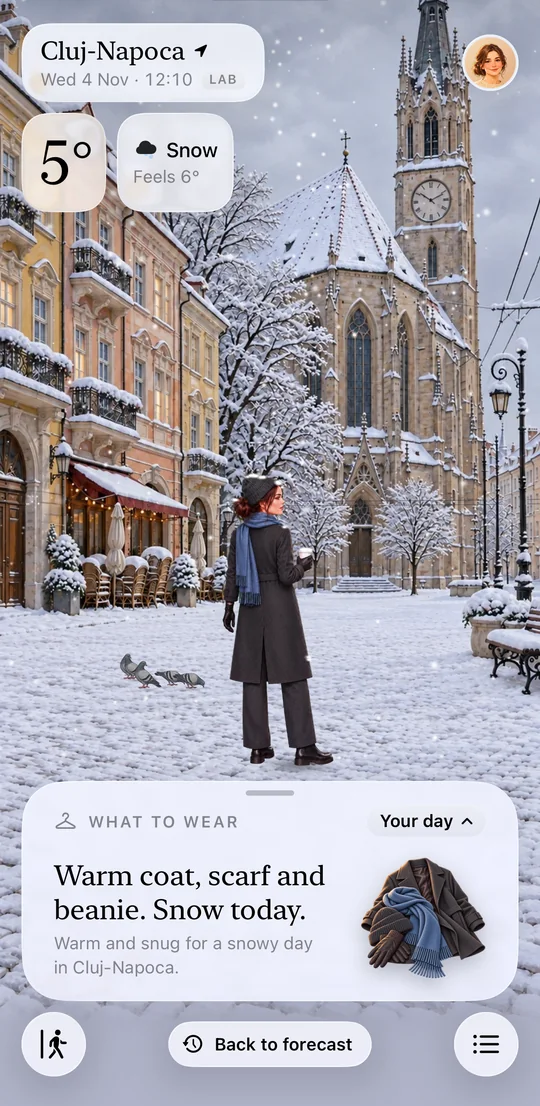
Snow in Cluj-Napoca: warm coat, scarf and beanie. 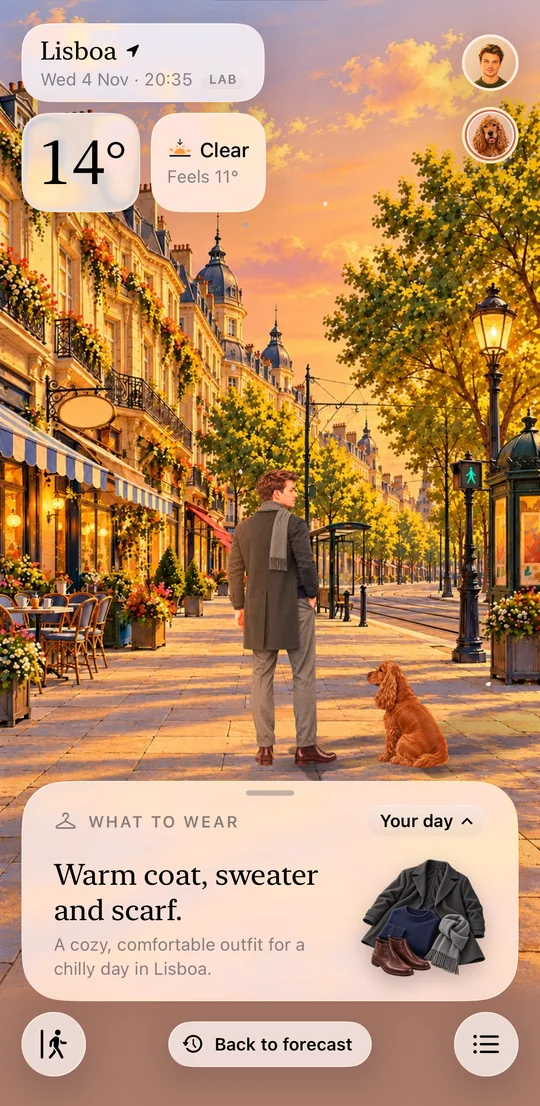
A summer sunset in Lisbon, with the dog along for the walk. 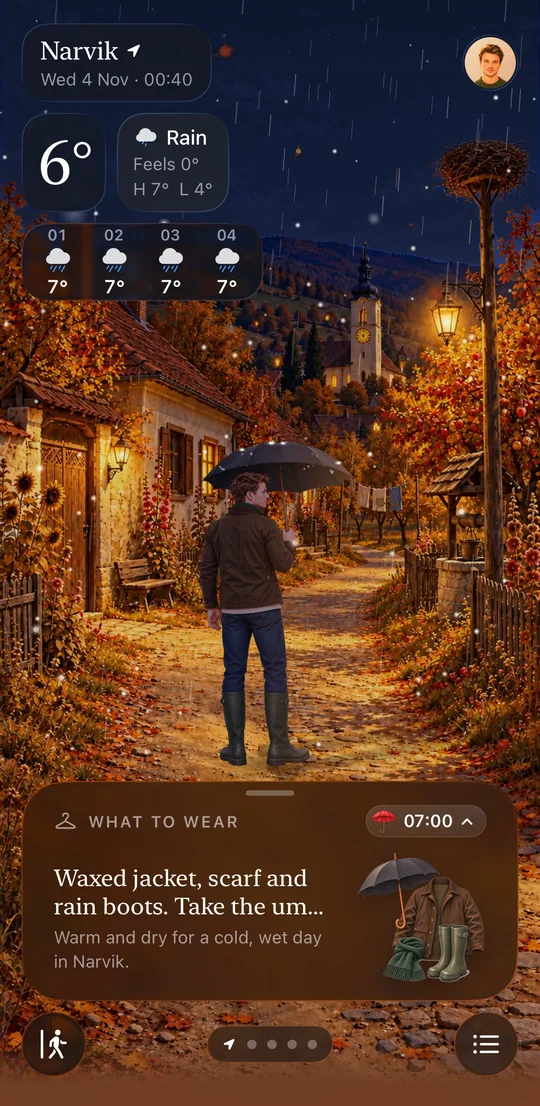
Rain in Narvik: umbrella out, rain boots suggested.
What it does
- The answer firstTemperature and what to wear show at once, even while a scene loads.
- Living scenesAnimated places for every season and time of day, with things to tap.
- The whole dayHour by hour, the next days and every place you follow.
- On your wrist and home screenWidgets and an Apple Watch app.
- Family tooOutfits for your kids, walks for your dog, a day for your cat.
- No account, no ads, no trackingYour details stay on your iPhone. Read the privacy policy.
Support
How do I restore a purchase?
Open WeatherCraft Plus from your Profile and tap Restore purchases. Use the same Apple Account you bought it with.
How do I cancel my subscription?
Open the Settings app on your iPhone, tap your name, then Subscriptions, and choose WeatherCraft. Apple handles subscriptions and refunds.
Why do I only see the town square?
The app installs with one scene and downloads the others in the background. Each one replaces the town square once it has arrived, so keep the app connected for a while.
Why does the umbrella reminder ask for location "Always"?
iPhone needs it to notice when you leave home, so the app can warn you if rain is coming. WeatherCraft never keeps where you go. The reminder is optional, and you can change the permission any time in Settings.
How do I delete my data?
Delete the app. Everything you entered lives on your iPhone, so it goes with it. The privacy policy has the details.
Something else? Write to hello@drcraft.studio and tell us your iPhone model and iOS version.